Understand, translate
and summarize without leaving the page

Select text on any website and get instant AI answers in a floating panel — no tab switching.

Works on any website
Keyboard-first
No tab switching
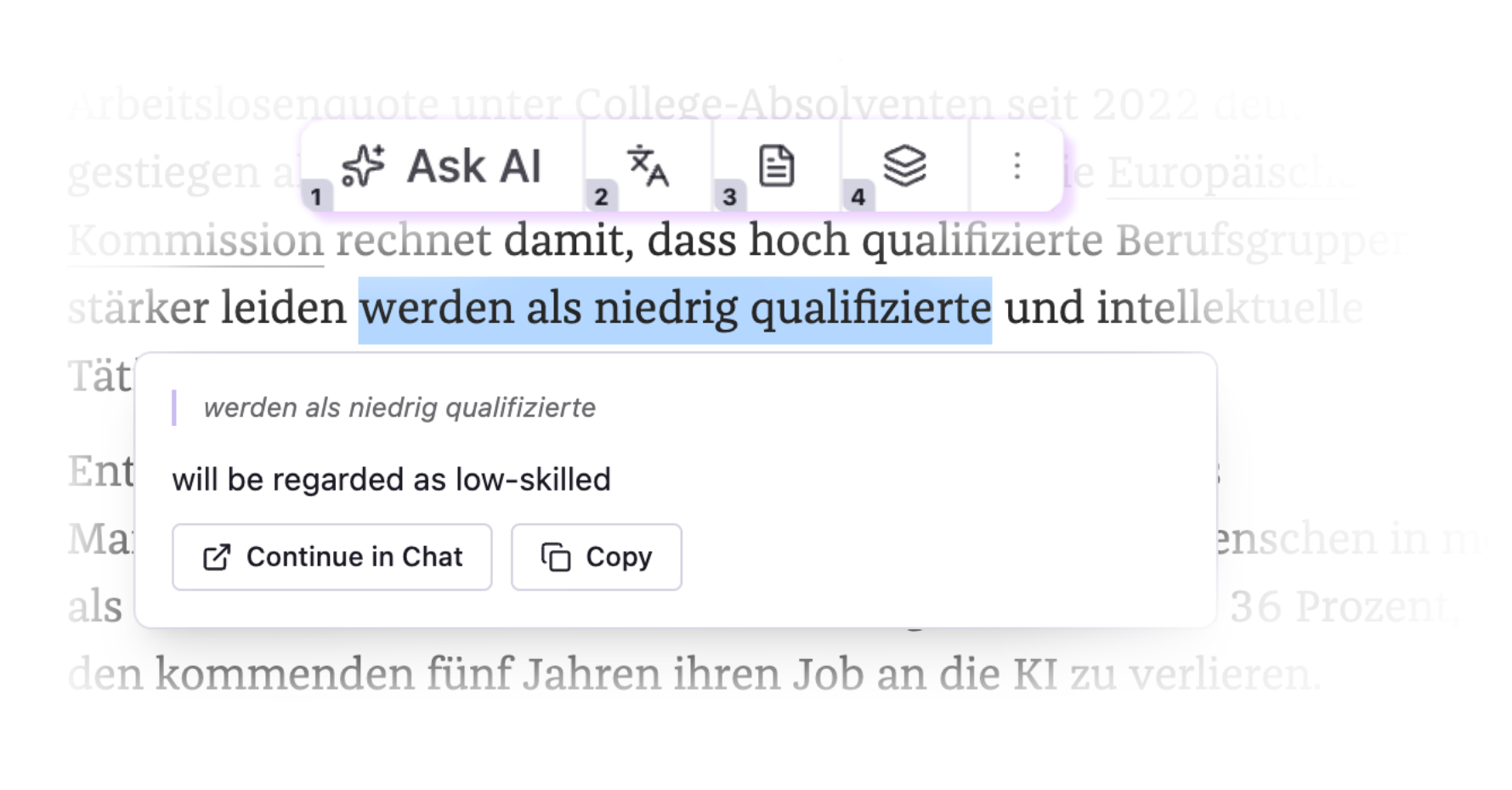
BrainSide floating toolbar in action

How it works

1

Select text

Highlight anything on any website — a word, sentence, or paragraph.

2

Press Shift

The toolbar appears next to your selection. Use Shift+1–9 to jump straight to a prompt. No selection? Shift Shift for a free chat.

3

Get the answer

The response streams right on the page. No new tab. No copy-paste.

BrainSide

Start reading smarter today

BrainSide works on any website, in any language, with any AI provider.

Add to Chrome — it's free